BluebellConnect
User Interface for Configuring Bluebell Products
Description
Many of Bluebell Opticom’s products are plug-and-play where no configuration is needed, however some units can be configuration beforehand to work with the user’s system.
The intended use of BluebellConnect is not to configure the device during live production, but to help set-up and pre-configure the device before connecting to a network.
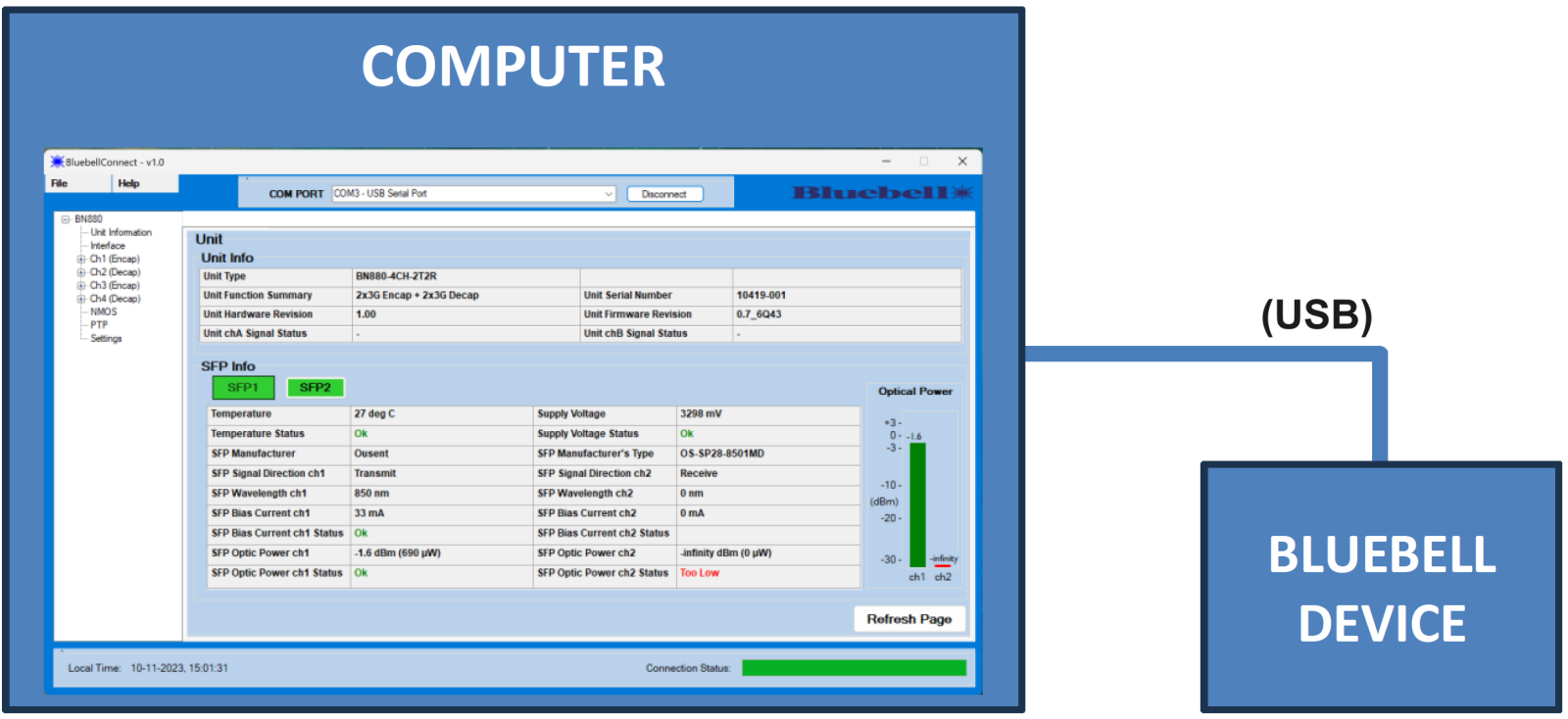
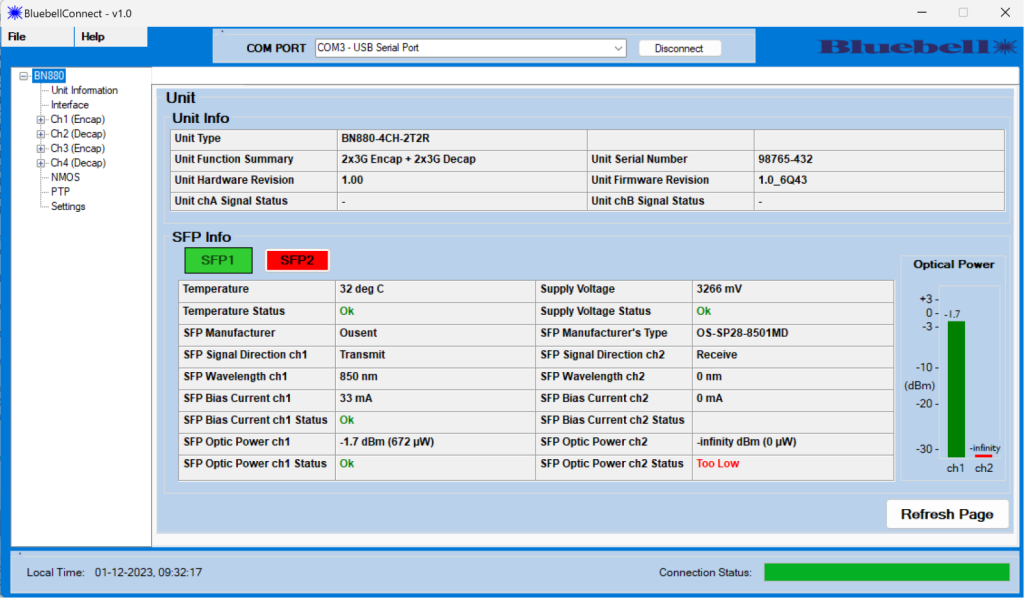
BluebellConnect is a user interface that runs on Windows which is used to monitor/configure the Bluebell products. The software runs by opening an executable (.exe) file and there is no need for any installation on the user’s PC.
With some of our products being versatile in their use, users can configure them through BluebellConnect rather than changing parts of their system, such as network settings, to configure our products.
Simply download the BluebellConnect.exe below and have a go with a compatible Bluebell device.
Share your requirements and we’ll help specify the right fibre and IP solution.